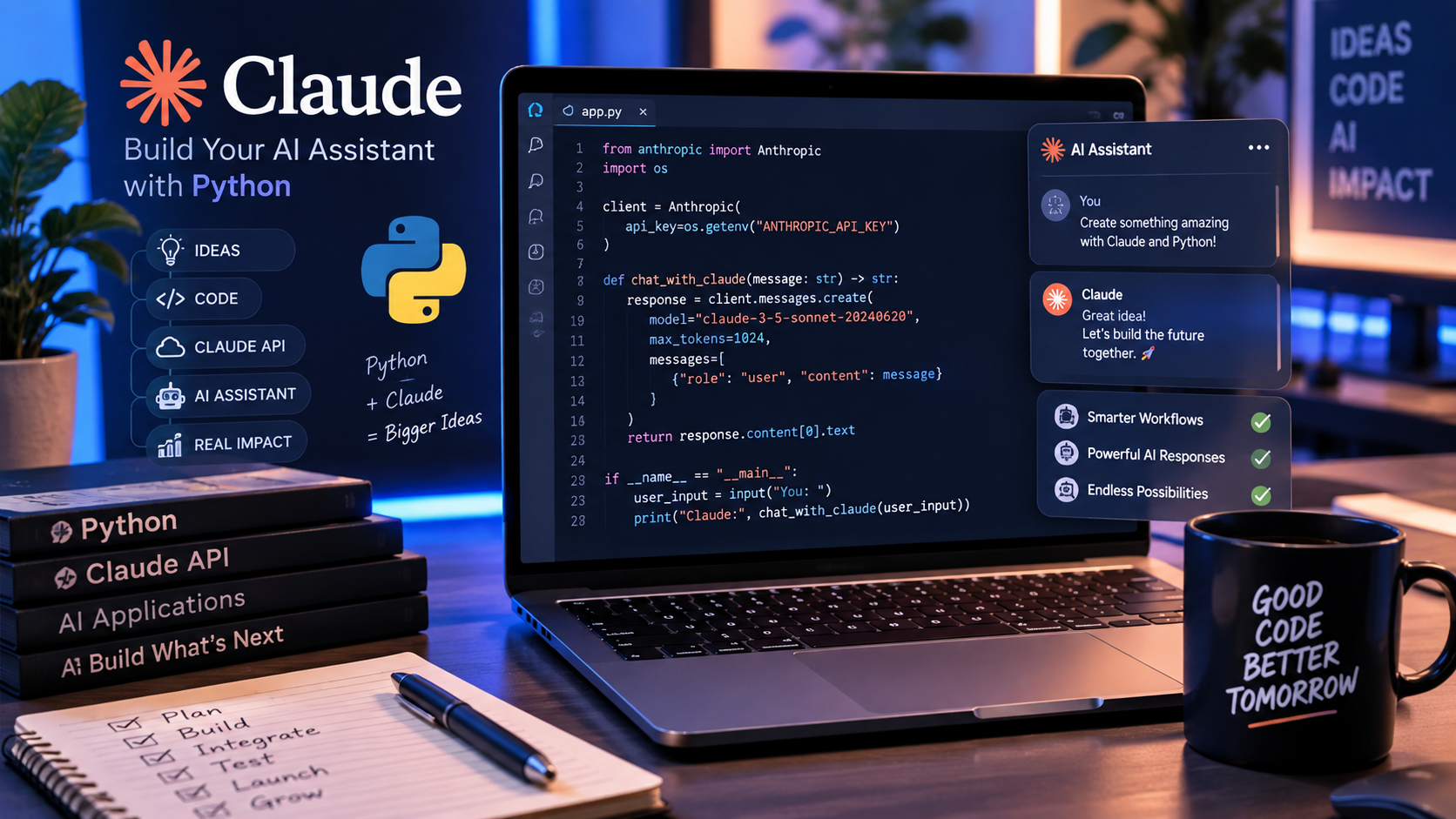
When you decide to build a custom AI assistant tailored to your specific workflow, you no longer need to write complex Machine Learning models from scratch. By leveraging Anthropic’s Claude API with Python, developers and tech enthusiasts can build a custom AI assistant that acts as a lightweight, powerful automation tool in under 30 minutes.
Pro Tip: Before diving into implementation, if you are deciding between top LLMs for your dev environment, check out our breakdown on Claude 3.5 Sonnet vs ChatGPT-4o: Which AI is Better for Coding?
This step-by-step guide covers everything you need to build a custom AI assistant from scratch, including how to set up your environment, authenticate with the Claude API, send structured prompts, handle response streams efficiently, and maintain multi-turn chat memory.ed to build a custom AI assistant from scratch, including how to set up your environment, authenticate with the Claude API, send structured prompts, handle response streams efficiently, and maintain multi-turn chat memory.
Technical Prerequisites
Before starting, ensure you have the following tools installed and prepared:
- Python 3.10+ installed on your system.
- An active Anthropic API Key (retrieved from the Anthropic Console).
- A code editor such as VS Code or Cursor.
Step-by-Step Guide to Build a Custom AI Assistant
1. Set Up Your Project Environment
First, create a dedicated project directory and set up a virtual environment to manage dependencies cleanly.
Open your terminal and run the following commands:
<Bash>
mkdir claude-ai-assistant
cd claude-ai-assistant
python -m venv venv
Activate the virtual environment:
- macOS/Linux:
source venv/bin/activate - Windows:
venv\Scripts\activate
Next, install the official Anthropic SDK and python-dotenv to store API keys safely:
<Bash>
pip install anthropic python-dotenv
2. Configure Environment Variables
Never hardcode API keys directly into your script. Create a .env file in the root directory of your project:
<코드 스니펫>
ANTHROPIC_API_KEY=your_actual_api_key_here
Security Note: Make sure to add
.envto your.gitignorefile if you plan to push your project to public repositories like GitHub.
3. Write the Core Script to Build a Custom AI Assistant
Create a file named assistant.py and insert the following code. This script uses the latest production alias (claude-3-5-sonnet-latest) to ensure your integration remains up-to-date as you build a custom AI assistant for your personal project.
<Python>
import os
from dotenv import load_dotenv
from anthropic import Anthropic

# Load environment variables from .env file
load_dotenv()

# Initialize the Anthropic Client
client = Anthropic(
    api_key=os.getenv("ANTHROPIC_API_KEY")
)

def run_assistant(user_query: str):
    system_prompt = (
        "You are an expert technical advisor specializing in software engineering "
        "and workflow automation. Provide concise, production-ready code examples."
    )

    try:
        response = client.messages.create(
            model="claude-3-5-sonnet-latest",
            max_tokens=1000,
            system=system_prompt,
            messages=[
                {"role": "user", "content": user_query}
            ]
        )

        print("\n--- AI Assistant Response ---")
        print(response.content[0].text)

    except Exception as e:
        print(f"An error occurred: {e}")

if __name__ == "__main__":
    query = input("Ask your AI Assistant a question: ")
    run_assistant(query)
4. Run and Test Your Assistant
Execute the script inside your active virtual environment:
<Bash>
python assistant.py
Type a prompt such as “How do I optimize Docker image sizes for Python apps?” and press Enter. The script will securely call the Claude API and display the formatted output in your terminal.
How to Build a Custom AI Assistant with Memory & Streaming
To make your application feel like ChatGPT or Claude Web, you can enhance your setup with real-time response streaming and multi-turn conversation memory as you build a custom AI assistant.
1. Enabling Streaming Responses (Typewriter Effect)
Instead of waiting for the full response to generate, stream tokens in real-time using client.messages.stream():
<Python>
with client.messages.stream(
    model="claude-3-5-sonnet-latest",
    max_tokens=1000,
    messages=[{"role": "user", "content": "Write a Python script for web scraping."}]
) as stream:
    for text in stream.text_stream:
        print(text, end="", flush=True)
2. Multi-Turn Conversation Memory
The Claude API is stateless, meaning it doesn’t remember past messages automatically. To maintain context across a session, append user queries and AI responses to a list:
<Python>
conversation_history = []

def chat_session():
    while True:
        user_input = input("\nYou: ")
        if user_input.lower() in ["exit", "quit"]:
            break

        conversation_history.append({"role": "user", "content": user_input})

        response = client.messages.create(
            model="claude-3-5-sonnet-latest",
            max_tokens=1000,
            messages=conversation_history
        )

        assistant_reply = response.content[0].text
        print(f"\nClaude: {assistant_reply}")
        conversation_history.append({"role": "assistant", "content": assistant_reply})
Best Practices to Build a Custom AI Assistant in Production
- Error Handling: Always wrap API calls in
try-exceptblocks to handle rate limits and potential network timeouts gracefully. - Token & Cost Management: Monitor token usage via
response.usage.input_tokensandresponse.usage.output_tokensto optimize API spend. - Prompt Isolation: Maintain system instructions separately from user inputs to minimize prompt injection vulnerabilities.
Troubleshooting Common Errors
| Issue / Error | Cause | Solution |
| AuthenticationError | Invalid or missing API key | Check your .env file and confirm key activation in Anthropic Console |
| NotFoundError | Incorrect model identifier string | Use official aliases like claude-3-5-sonnet-latest |
| RateLimitError | Exceeded request limit for tier | Implement exponential backoff retry logic in Python |
Conclusion
By following this guide, you now know how to build a custom AI assistant and integrate state-of-the-art conversational AI into your local apps, workflows, or backend servers.
What’s Next?
Connect SQLite to store chat history for full multi-turn conversations.
Build a Slack/Discord Bot using this script structure.