
Top AI Automation Tools to Boost Remote Team Productivity in 2026
The way we work has permanently shifted 🌍. As remote and hybrid work environments become the global standard, businesses are constantly searching for ways to streamline workflows, reduce administrative fatigue, and keep distributed teams aligned.
If you are a project manager, a startup founder, or a remote professional looking to upgrade your digital toolkit 🧰, you are in the right place. In this article, we break down the top AI automation tools designed to skyrocket your remote team’s productivity this year 🚀.
Why AI Automation is Essential for Remote Teams
Managing a team across different time zones comes with unique challenges: communication gaps, siloed information, and the dreaded “status update” meeting overload.
Artificial Intelligence steps in by taking over repetitive, manual tasks. According to recent workplace studies, integrated AI automation tools save an average of 6 to 8 hours per employee weekly. That is an entire workday reclaimed for deep, creative, and strategic thinking.
Top 4 AI Automation Tools for Seamless Collaboration
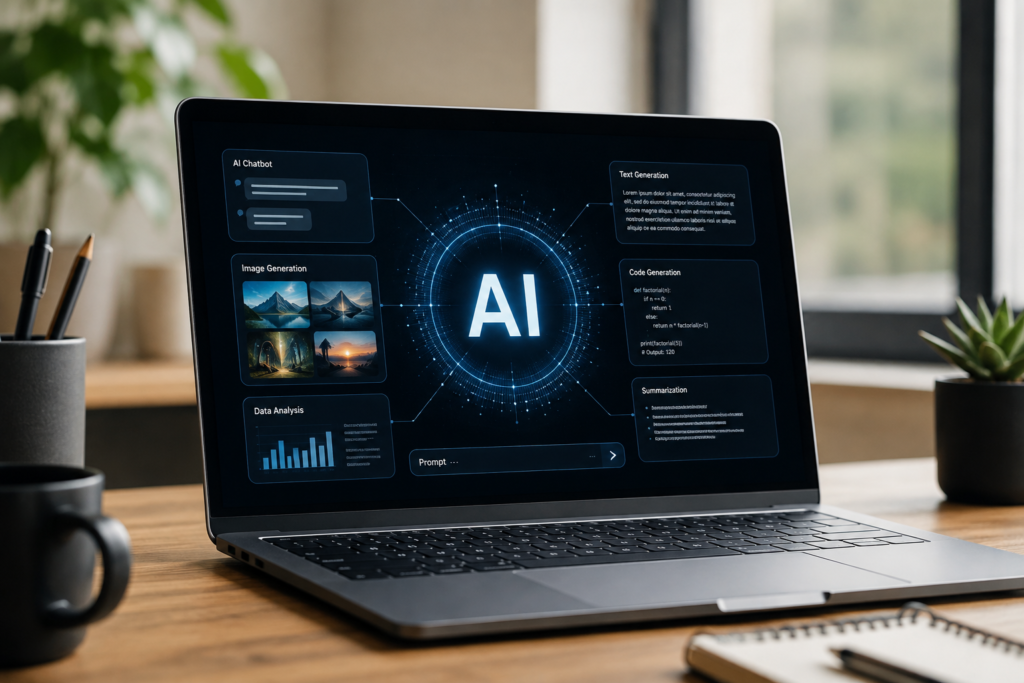
1. Intelligent Project Management with Asana & AI Copilots
Traditional project management software can feel like just another dashboard to update. Modern platforms integrate generative AI to automatically generate subtasks, predict project bottlenecks, and draft status reports for stakeholders.
- Key Feature: Automated risk analysis that flags projects falling behind schedule before they miss deadlines.
- Best For: Cross-functional teams handling complex product launches.
2. Automated Meeting Summarizers (Notta & Otter.ai)
No more scrambling to take meeting notes while participating in a high-stakes Zoom or Google Meet call. Leading AI automation tools like transcription and summarization software join your calls, transcribe dialogue in real-time, extract action items, and organize key decisions into shareable bullet points.
- Key Feature: Multi-language transcription with sentiment analysis.
- Best For: Eliminating unnecessary follow-up meetings and keeping asynchronous teams on the same page.
3. AI-Driven Knowledge Bases (Notion AI & Guru)
When your team is scattered globally, institutional knowledge can easily get lost in chat threads. AI-powered workspace tools act as a central “second brain.” Employees can ask natural language questions and instantly pull up company policies, technical documentation, or project guidelines.
- Key Feature: Context-aware search that summarizes documents across your entire workspace.
- Best For: Onboarding new remote hires and reducing repetitive internal questions.
4. Smart Workflow Builders (Zapier Central & Make)
Connecting your favorite apps (Slack, Gmail, Salesforce, and Trello) used to require complex coding or rigid scripting. Today, no-code AI automation tools allow you to describe what you want to automate in plain English—and the AI builds the automation sequence for you.
- Key Feature: Natural language trigger-and-action command setup.
- Best For: Automating repetitive data entry and cross-platform notifications.
Best Practices for Implementing AI Tools in Your Workflow
Simply adopting every new technology on the market can lead to “software fatigue.” To successfully integrate AI automation tools into your remote workflow, keep these steps in mind:
- Audit Your Bottlenecks: Identify which tasks consume the most manual time (e.g., scheduling, note-taking, or data migration) and select solutions that specifically target those friction points.
- Prioritize Data Security: Ensure that any platform you choose complies with global privacy standards (like GDPR and SOC 2 compliance) to protect sensitive company data.
- Encourage Team Adoption: Roll out systems gradually. Host a quick workshop or share brief tutorial videos to help team members feel comfortable leveraging advanced features.
Conclusion
Leveraging powerful AI automation tools is no longer a futuristic concept—it is the baseline for competitive, high-performing remote teams. As 5 Ways Modern AI and Technology are Redefining Our World, letting artificial intelligence handle the routine administrative load allows your team to focus on innovation and collaboration.
Which AI automation tool is your team relying on this year? Let us know in the comments below!